Free
Bluetooth communication without an account, plus browser guests while they’re in Beta. Just install and connect.
 TARKKPreparing your connection
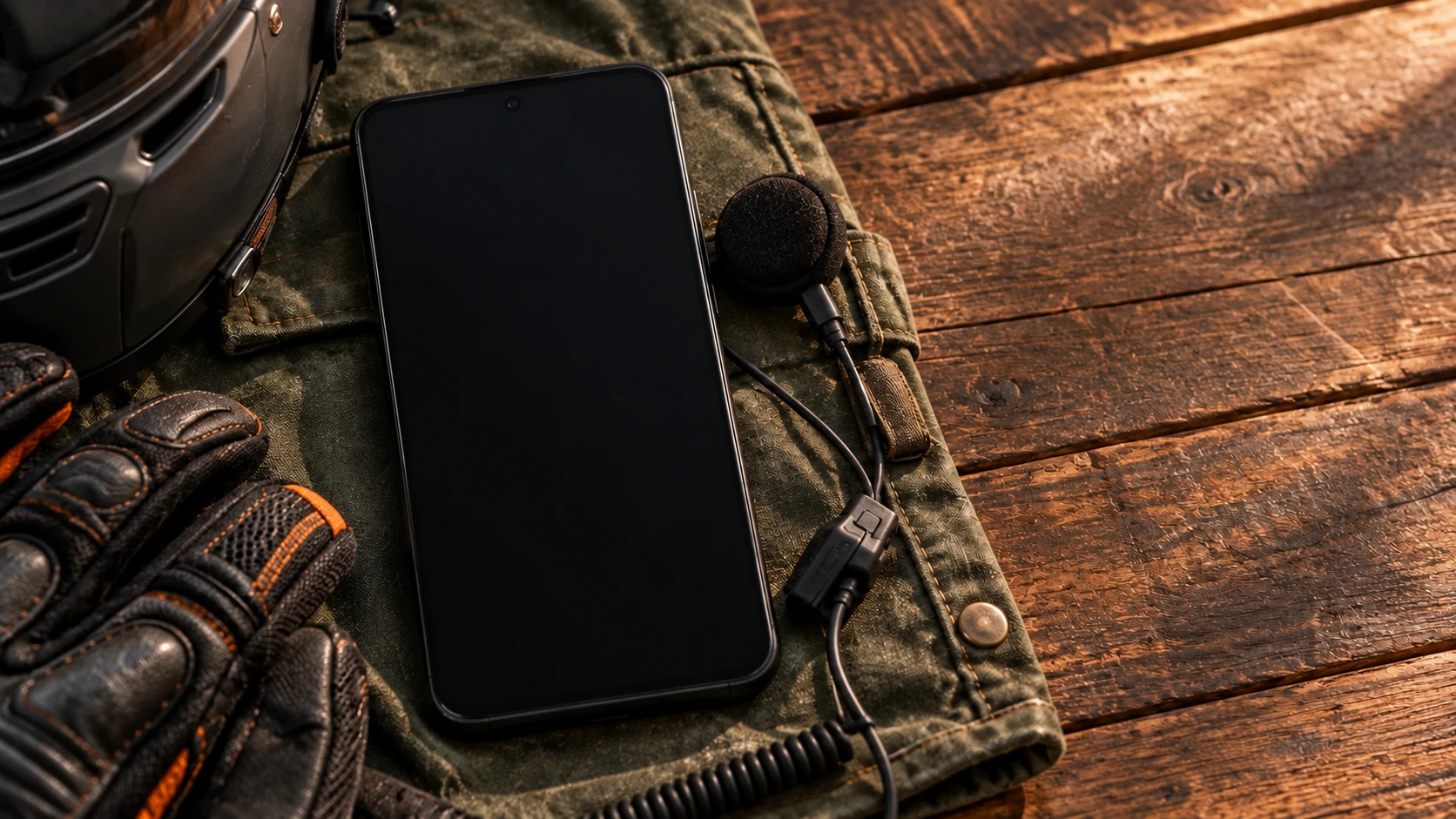
Phone in your pocket. Your people in your ear.
Tarkk sends your voice straight to your travel companion’s phone. Bluetooth, Wi-Fi or a hotspot—even off the grid.
Free Bluetooth. No account needed.
The phone interface is interactive. This demo does not use your microphone.

Choose a name. This is where your group comes together.
A walkthrough of the app. This preview QR does not create a real connection.
Nazanin joined the room
From two people on Bluetooth to a group on Wi-Fi. Compare the ways to connect.
Before you set off
Before you set off, Tarkk checks the microphone, headset and background operation, and shows a fix if needed.
Cast your phone’s music into the channel alongside the conversation. Set the volume your way.
With a subscription, on Android 10+
This track is synthesized here for the demo.
Audio travels directly between devices. It is neither recorded nor relayed by a voice server.
Subscription accounts store details such as email, name and avatar. Diagnostic logs stay on your phone unless you share them.
Privacy detailsBefore your first hello
Not if each group starts its own channel. Starting one gives it a short code, and Tarkk ignores anyone on a different code — so two groups on one café router stay two conversations. The code travels inside the same QR the other phone already scans, and it is short enough to read out loud if the camera is not handy. Worth knowing: it keeps channels apart, it does not lock them. Anyone who has the code can use it, so treat it as a channel number rather than a password.
You don't have to pick one. Tarkk asks a single question — are you starting a channel, or joining one? — and works out the rest from what your phone can see: a hotspot one phone makes and the other scans, or Bluetooth where that isn't possible. If you're both on home Wi-Fi, it starts there and then moves you onto one phone's hotspot, so the call doesn't drop when you ride off. Each button tells you which way it's about to go, so nothing happens that the screen didn't say first. If you'd rather choose yourself, you still can, in Settings → Advanced settings.
No. Scanning the invite is the setup: the two phones find each other over Bluetooth, agree between them which one hosts (the one that can keep a hotspot up best, then the one with more battery), that phone brings a hotspot up, the other joins it, and both go on air by themselves — nobody has to decide who hosts. If Android asks the joining phone whether to connect to a network, say yes; if joining still fails twice, Tarkk walks you through joining from Wi-Fi settings, with the name and password a tap away. A room set to Bluetooth needs no code after that first scan: its two phones find each other by themselves. A room only counts as connected once another member has answered a signed challenge over the link the call is actually using, so being on WiFi — even the same WiFi — never counts on its own. With no scan to work from, Start tries whatever link the phone already has; if that doesn't reach anyone, it says so and offers to connect the phones by hand.
Yes, unless you say otherwise. Under the invite code there's a “Let them invite people” switch, on by default, and every phone in the room checks it, not just the screen. Someone you invite can then invite others, but those newcomers can't pass the right on. To change it for someone later, invite them again. Rooms of three or more need a subscription.
Not to talk. Tarkk goes straight between phones over WiFi or Bluetooth — no internet, no data plan. An account is only needed to subscribe to the paid features; talking over Bluetooth is free and needs none.
Your voice never leaves the link between the phones — no server ever carries it, ours included. The app sends no analytics or usage stats, and its diagnostic log stays on your phone unless you choose to share it. If you make an account to subscribe, our server keeps your email, name, avatar and subscription; the Privacy Policy lists all of it.
The app stays awake in the background. Lock the screen or stuff your phone in a pocket — you're still on.
Tarkk keeps trying in the background and picks the call back up the second your friend is close enough again.
Yep! One phone makes the hotspot, the other scans its code right inside the app — you never have to leave Tarkk. Or just send a link and they hop in from a browser.
Yes. Two Android phones link up straight over Bluetooth — no internet, no router, no signal at all.
Yep. Your voice gets shrunk down in a clever way that keeps it crystal clear, and the smart cleaner wipes out wind, traffic and background noise before it ever leaves your phone. If a piece goes missing on the way — normal on any wireless link — the next one carries a spare copy, so the gap gets filled instead of chopping a word in half. The app keeps adjusting to the link as you ride, so you never have to touch a setting.
Almost always because Wi-Fi is still on. A phone can't do Wi-Fi and a hotspot properly at the same time, so sooner or later one of them gives way — usually your hotspot, right in the middle of a ride. Tarkk avoids it where it can by letting the phone that can keep both up host, and if the move to the hotspot still fails, it tells you why and offers to turn Wi-Fi off and try again. Turning Wi-Fi off won't cut you off from anyone: the channel doesn't need Wi-Fi to work.
Tarkk tells you, in plain words, with the fix right there — whether the mic is switched off, the phone isn't on a network, or something else has grabbed the microphone. It quietly retries a few times first, so a hiccup that sorts itself out never interrupts you. And there's a “Something wrong?” button on the channel screen that shows you exactly which part isn't working.
Bluetooth communication without an account, plus browser guests while they’re in Beta. Just install and connect.
Wi-Fi, hotspot, rooms of three or more, more than two rooms, microphone muting and music casting. Monthly or yearly through Cafe Bazaar.
There is no free trial or lifetime plan. If you cancel in Bazaar, access remains until the paid period ends.
Native iPhone app: coming soon. Browser guests join with an invite and need internet.